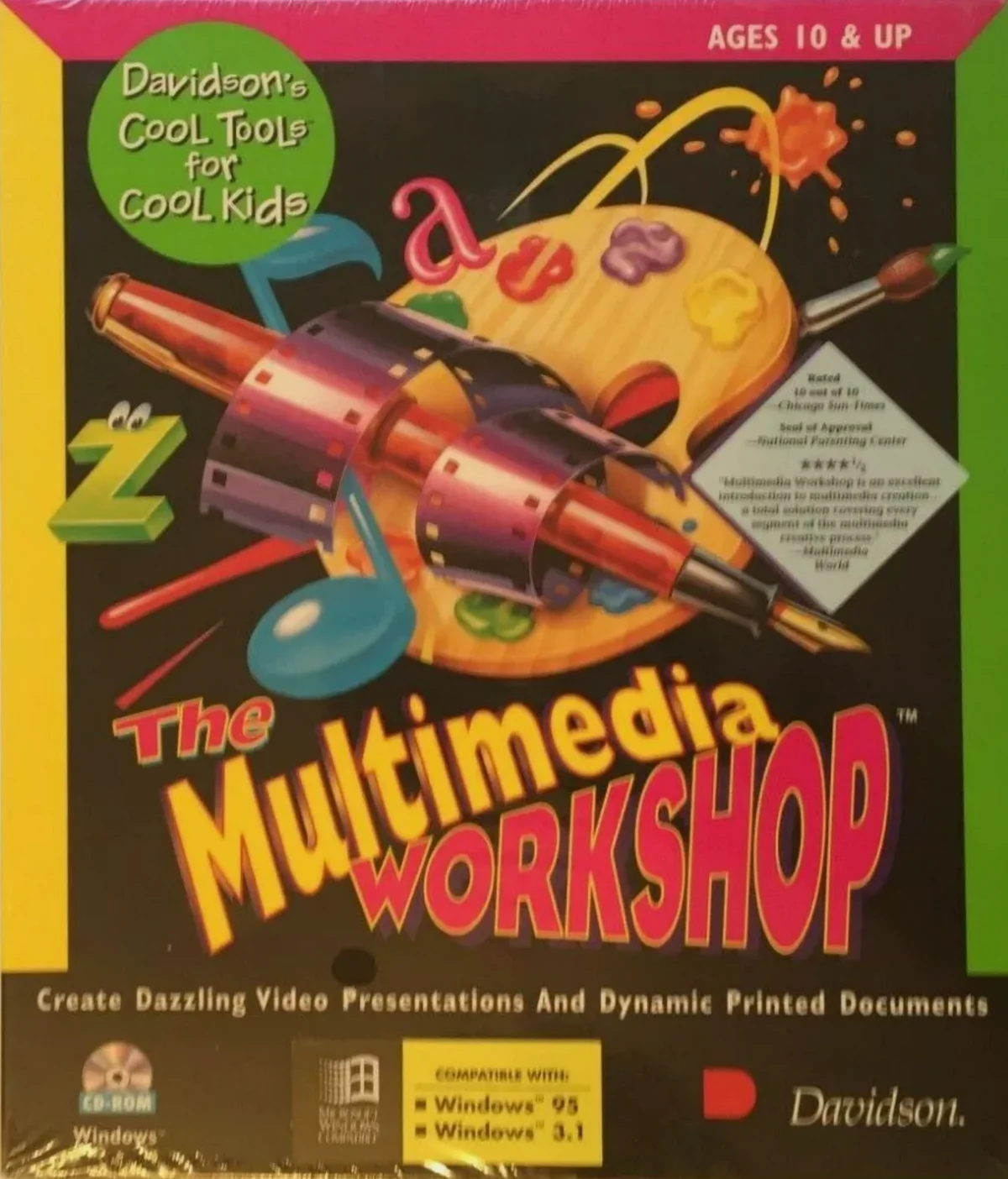
Details
- Released
- 1995
- Developer
- Davidson & Associates
- Publisher
- Davidson & Associates, Inc.
- Genre
- Creativity
- Players
- Up to 1; single player
- Type
- Commercial
- Platform
- Windows 3.X
- Pack
- eXoWin3x
- Manual
- Not included
Stories
No one has written about The Multimedia Workshop yet.
Screenshots
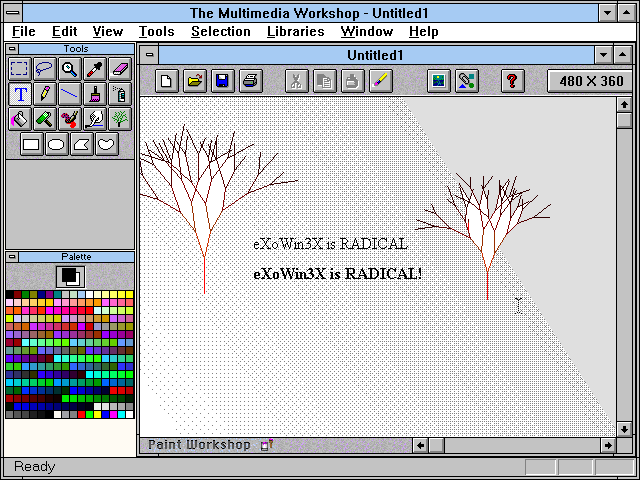
About this game
The Multimedia Workshop is a different kind of media-integration tool — one that can be used by children or adults without a big investment of time or money. The Multimedia Workshop includes three authoring environments: the Paint Workshop, the Writing Workshop, and the Video Workshop.
The Paint Workshop is a color paint program with all the basic painting tools, plus extras such as snowflake and tree tools. The Writing Workshop doesn’t offer footnoting or an outliner, but it includes a spelling checker, a thesaurus, a read-aloud feature, and desktop publishing capabilities.
The heart of The Multimedia Workshop is the Video Workshop, which has a scene-generation module and a video-layout module. The scene-generation module allows you to place graphics, background templates, and QuickTime movies on the screen. Using the tool bar and menu commands, you might start with a background template of a picture frame, change the background color, type a title, and place a drawing in one corner and a movie in another. The screen shows what the scene will look like, except that the movie doesn’t move.
You combine scenes in the video-layout module. The interface is similar to, but simpler than, the multitrack interface of Macromedia Director. By dragging icons and stretching bars on a time line, you arrange the order of scenes and change their durations. It’s just as easy to add visual transitions between scenes and to place sounds in the audio track. When you play your production, the visual effects, video clips, and sound are synchronized according to your time line. If problems occur, you can easily go back to the Video Workshop and tweak the scenes and the time line.
The Multimedia Workshop is full of compromises: Each scene can contain only one movie. The time line lets you place cues only at one-second intervals. There’s no sound editor. You can’t layer narration over music (unless one is embedded in a movie). You can’t create interactive presentations that respond to mouse-clicks.