Details
- Released
- June 1, 1993
- Developer
- Theatrix Interactive, Inc.
- Publisher
- Edmark Corporation
- Genre
- Education
- Players
- Up to 1; single player
- Type
- Commercial
- Platform
- Windows 3.X
- Pack
- eXoWin3x
- Manual
- Not included
Stories
No one has written about Bailey's Book House yet.
Other versions
- Bailey's Book House in eXoWin9x, 1995
Screenshots
About this game
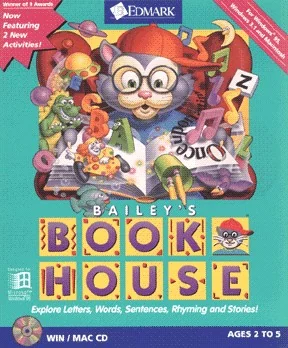
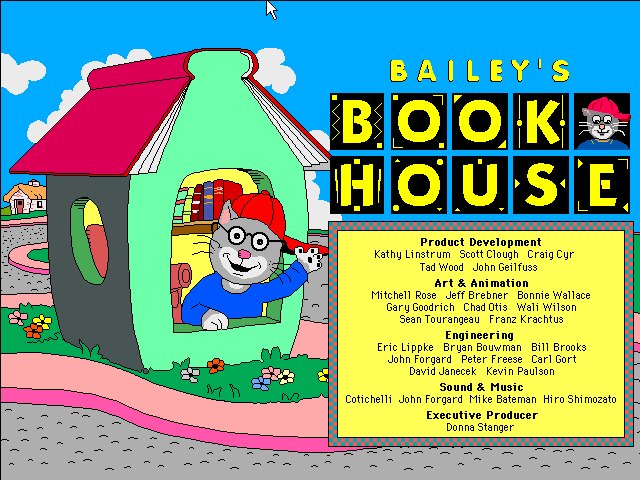
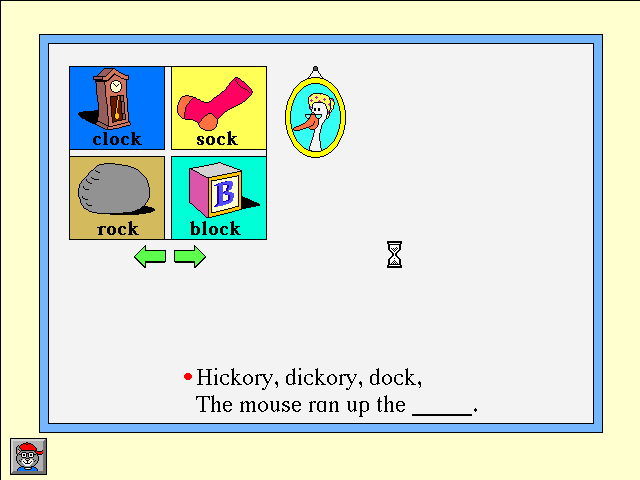
As in the first game in Edmark's Early Learning series, Millie's Math House, Bailey's Book House is an educational game designed for younger children to use. The interface is completely point-and-click, and instructions are given verbally, repeatable as needed.The player is taken to the main screen where Bailey sits reading in a chair; around the room are various objects and furniture that lead the player to the activities.Each activity has two modes; Explore and Discover and Question and Answer. The first mode encourages the player to click around and experiment, emphasizing that he is in charge. In Question and Answer mode, which is entered by clicking the animal inside the picture frame, a character will ask the player to perform tasks related to the current area. The descriptions below apply to the Question and Answer mode: Edmo & Houdini - Edmo the Clown will direct the player to make Houdini act out a preposition (go over the doghouse, for example); the player selects the correct word from an on-screen list. Edmo and Houdini's roles can be switched. Letter Machine - the giraffe asks the player to find a specific letter, after which the letter is read aloud and a brief animation plays, using words beginning with that letter in a sentence. Read-A-Rhyme - The player is asked to complete a traditional rhyme with a rhyming word. Make-A-Story - The player selects from a number of options to create a printable story, that Bailey will also read aloud. There is no Question and Answer mode for this activity. Kid Cards - creative play, where the player can create a printable card using ready-made greetings and picture stamps; parents can set up printing options for this activity. Three-Letter Carnival - Millie the Cow asks the player to choose a rhyming word from a group of pictured items until they fill a carnival car. My Friend - Jenny the Inchworm reads aloud a description of a friend and asks the player to supply a missing wordThe Windows edition was updated in 1995 with the addition of the last two activities.There are several Adult options available by pressing Ctrl/Alt + A (Option/Command + A on a Mac) from the main screen; the parent can disable printing, adjust volume, hide the exit button, turn off music, and set up single-switch input for a special needs child. Additionally, there are printing options that apply only to the storybook activity, the letter machine, and Kid Cards.The educational focus of this game is on pre-reading and reading skills, developing the child's understanding of letters and the sounds they make, how words relate to pictures and affect meaning. Exploration and creativity are encouraged; there are no penalties for wrong answers in this game.
Collections
- Education
- Reading / Writing